
Setup a Catalog For Your Store
Adding Items
We have comprehensive documentation to help walk you through creating items for your location.
When leveraging our Orders API, the main thing to consider when creating new items is to ensure they are assigned to the Venue & Vendor that you plan to order with, otherwise your orders will be rejected due to "missing" items.
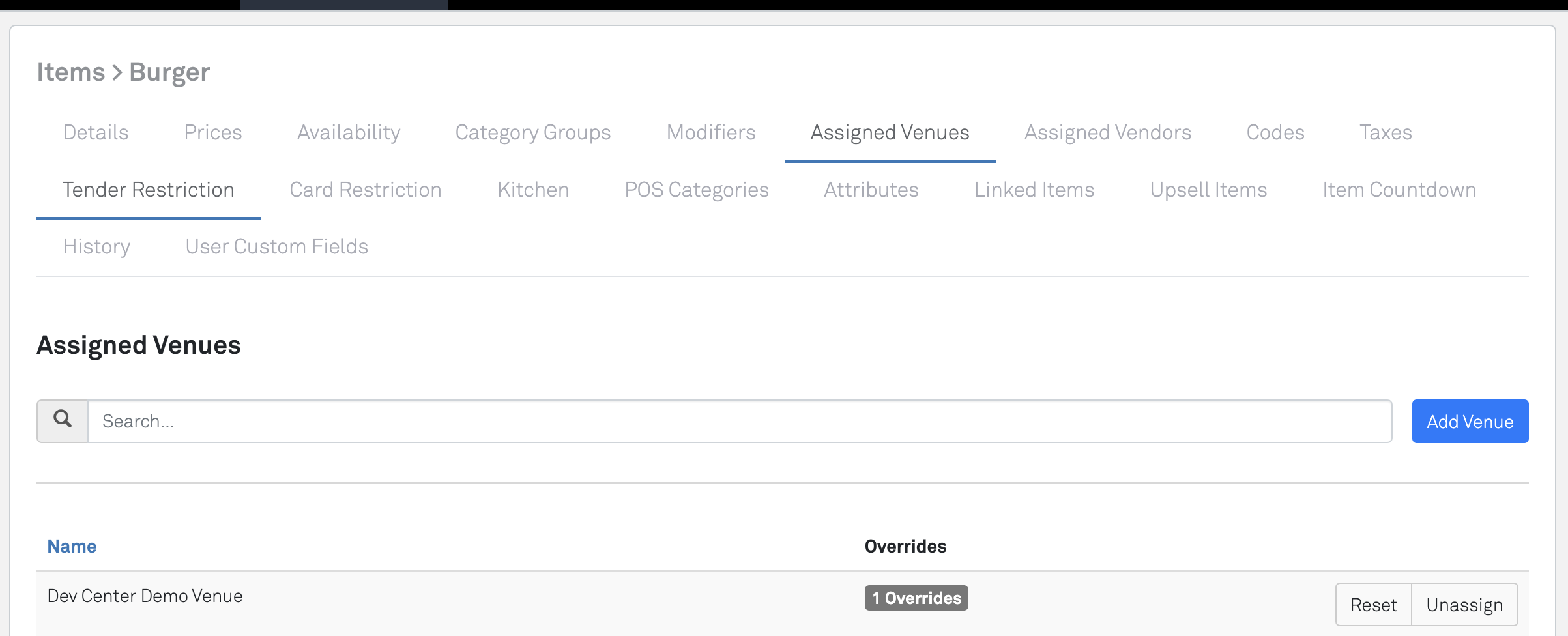
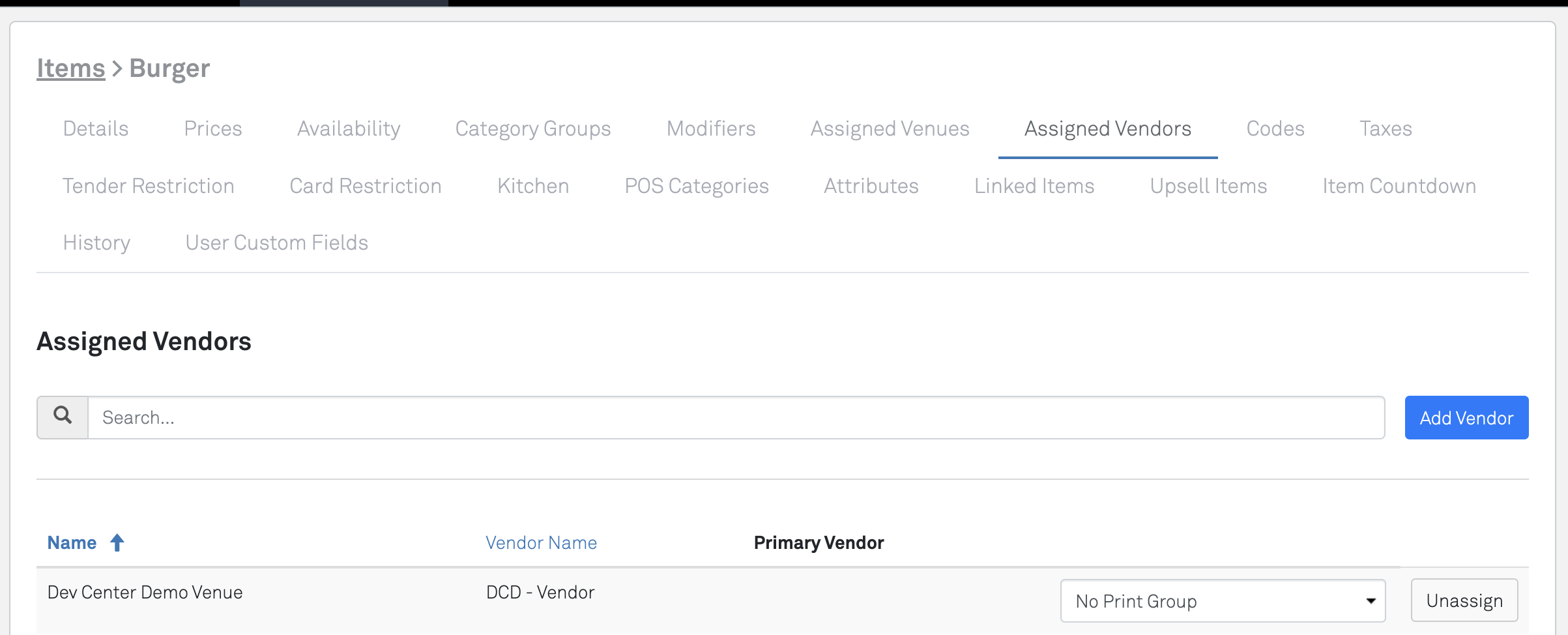
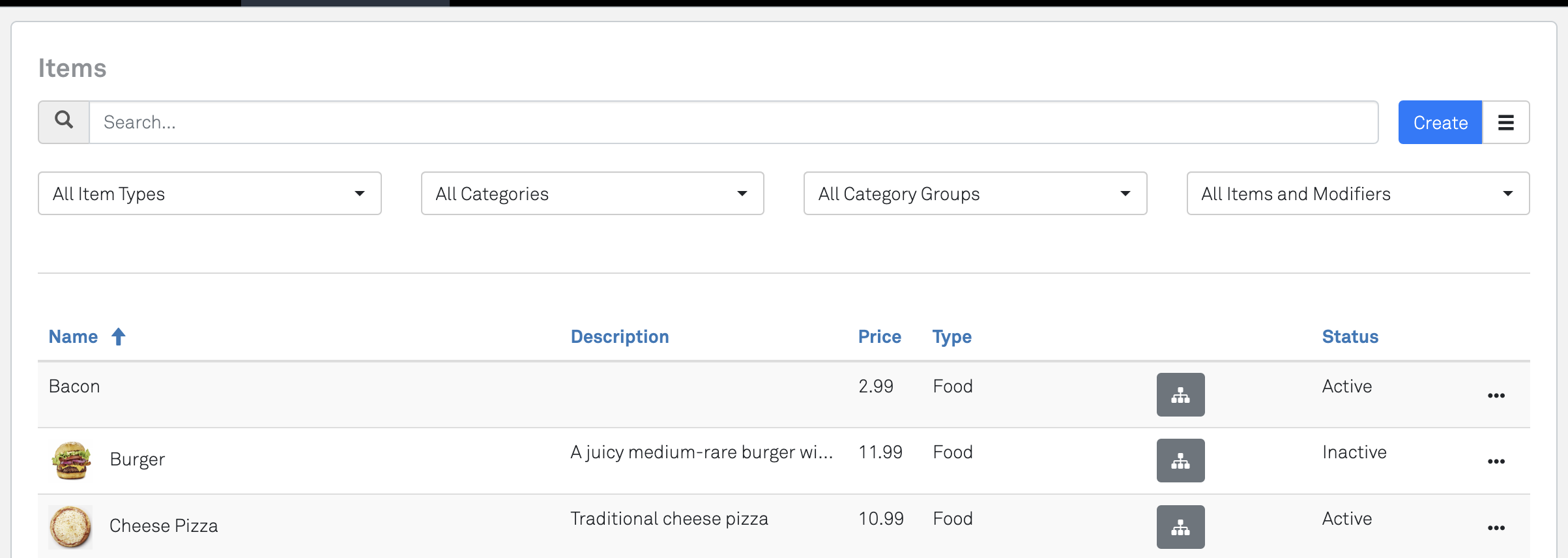
Lastly, make sure your items are Active - if they are not, they will not be available for processing a transaction
Adding Item Sets & Modifiers
Modifiers will need to be setup with the "New Mods" format - please see this article that explains Item Sets in full detail.
Limitations
- Only Enterprise Item Sets / Modifiers are supported by our APIs, and the Classic style of modifiers are not. Please sync with your SpotOn representative to ensure your items setup will work with the APIs.
- We recommend setting up items sets/modifiers/items at the corporate level (rather than venue level), and overriding values when needed. Reason why: we're underway improving our Backoffice Item and Modifier management, which will only support a "corporate" level (but still retain vendor level overrides). We will still support all current venue capabilities, but through a simplified and more capable approach that leverages a "corporate" level item instead.
Other Catalog Settings
Setting up Taxes on Items
Please review this article that explains Taxes in full detail.
Enabling Discounts
See this article that explains Discounts in full detail.
Discounts SupportedWhile our Backoffice allows for a wide range of discount and promotion configurations, only a subset of them are currently supported within our APIs. Please reach out to your SpotOn contact for more details to ensure the discount (and configuration thereof) is available.
Updated 6 months ago